
5 Signs Your Company Has Outgrown Excel (And How to Safely Migrate Your Data)
Shared Excel spreadsheets are great at the start. But once more than 5 team members work in them simultaneously, they turn into the biggest bottleneck to your profit and scalability.
Excel is an outstanding tool for financial modeling, quick calculations, and ad-hoc analysis. The tipping point occurs when a growing company operates under the illusion that cells organized into rows and columns constitute a relational database. Once an overgrown spreadsheet controls core operational workflows—from order intake and inventory to team dispatching—the business hits severe technological bottlenecks.
Independent audits demonstrate that over 90% of operational business spreadsheets harbor critical calculation and data errors. Excel is an extraordinary calculator, but an inadequate operational database.
Concurrent Edits Cause Silent Data Loss
Modern production databases (such as PostgreSQL) enforce transactional ACID compliance with row-level locking. In shared spreadsheets, when two team members edit the same record simultaneously, one version silently overwrites the other without notification. The consequence: missing order lines, unbilled items, and customer disputes.
Zero Audit Trail or Change Attribution
When a client contests an invoice line, discovering who modified the pricing, who deleted a record, or when the change took place in a spreadsheet is virtually impossible. A modern custom ERP records every data mutation with immutable timestamps and authenticated user IDs.
Manual Transcription and Administrative Exhaustion
A painful symptom of spreadsheet dependence is "human integration"—where skilled administrative staff spend hours every day manually keying numbers and addresses from spreadsheets into accounting software.
This mechanical data entry produces zero commercial value while introducing human error rates of 1% to 5% per field. In addition, workers spend nearly 2 hours daily hunting for information dispersed across inconsistent spreadsheets and email threads.
Human error rate during manual spreadsheet data entry.
Comparison: Spreadsheet Reliance vs. Modern Web Architecture
| Operational Metric | Impact of Spreadsheet Reliance | Custom Digital Ecosystem Solution |
|---|---|---|
| Data Accuracy | 1–5% human transcription error | 0% error through automated API synchronization |
| Time Efficiency | Up to 1.8 hours lost per employee daily | Instant real-time data availability across devices |
| Security & IP | Inability to prevent bulk file downloads | Strict role-based access control at the database layer |
Ready to Modernize Your Operations?
We help growing companies transition away from spreadsheet chaos into clean, high-performance web systems.
Contact UsWhen business processes are digitized, routine manual overhead evaporates. Completing an order triggers immediate API accounting sync without duplicate data entry.
Mobile Incompatibility in Field and Warehouse Operations
Spreadsheets were engineered for desktop monitors. On mobile devices, navigating wide grids leads to misclicks and operational friction. Modern responsive Next.js web applications provide clean mobile ergonomics—allowing warehouse staff and field technicians to scan barcodes with smartphone cameras and update central inventory in real time.
Absence of Automated Event Notifications
Spreadsheets are passive. Updating an order status cannot independently notify the customer, generate courier labels, or adjust stock levels. A custom web system acts as an active operational autopilot—triggering customer tracking notifications and delivery notes automatically upon status changes.
Frequently Asked Questions
Can our team continue using Excel after adopting a custom ERP?
How complex is migrating from spreadsheets to a custom system?
Why does shared Excel corrupt or overwrite data?
Is sensitive company data more secure in a web application?
How does a web app support warehouse and field staff?

Adam Bešina
Founder & Lead Developer
“My vision is simple: eliminate unnecessary manual routines, digitalise chaos, and build software that genuinely makes companies time and money.”
View full profileRelated Articles & Insights
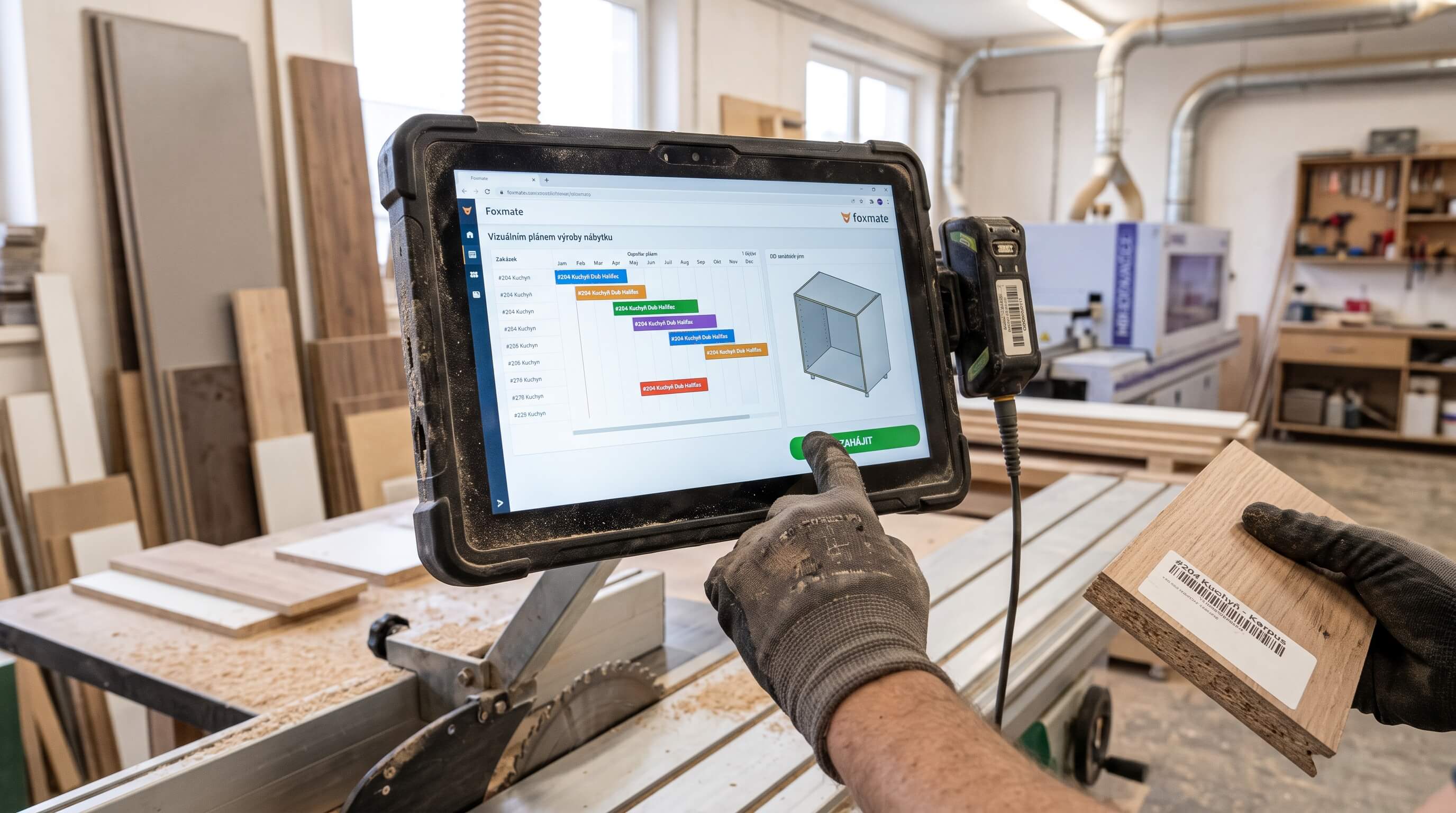
Software for Custom Furniture & Cabinetry: From Whiteboard to Digital Shop Floor & Assembly Dispatch
How custom cabinetry and interior manufacturers eliminate whiteboard chaos and Excel bottlenecks. Complete guide to shop floor dispatch connecting panel saws, edgebanders, spray booths, and field assembly vans.
Manufacturing Capacity & Shift Scheduling: From Whiteboard to Digital Dispatch
Scheduling manufacturing on whiteboards or complex Excel sheets where one machine breakdown causes a domino effect of delayed deliveries? A custom digital capacity scheduler unites machinery, labor, and materials into an intuitive real-time Gantt interface.

Source Code Ownership & Vendor Lock-in: Legal and Technical Traps in IT Development
What exactly do you buy when commissioning bespoke business software? If your contract does not secure proprietary rights and direct source code access, your vendor can hold your company hostage. What to watch out for in development agreements.